Basic Modeling
Modeling in Cubie is addictive and simple. You are placing 3D pixels (voxels) on a grid.
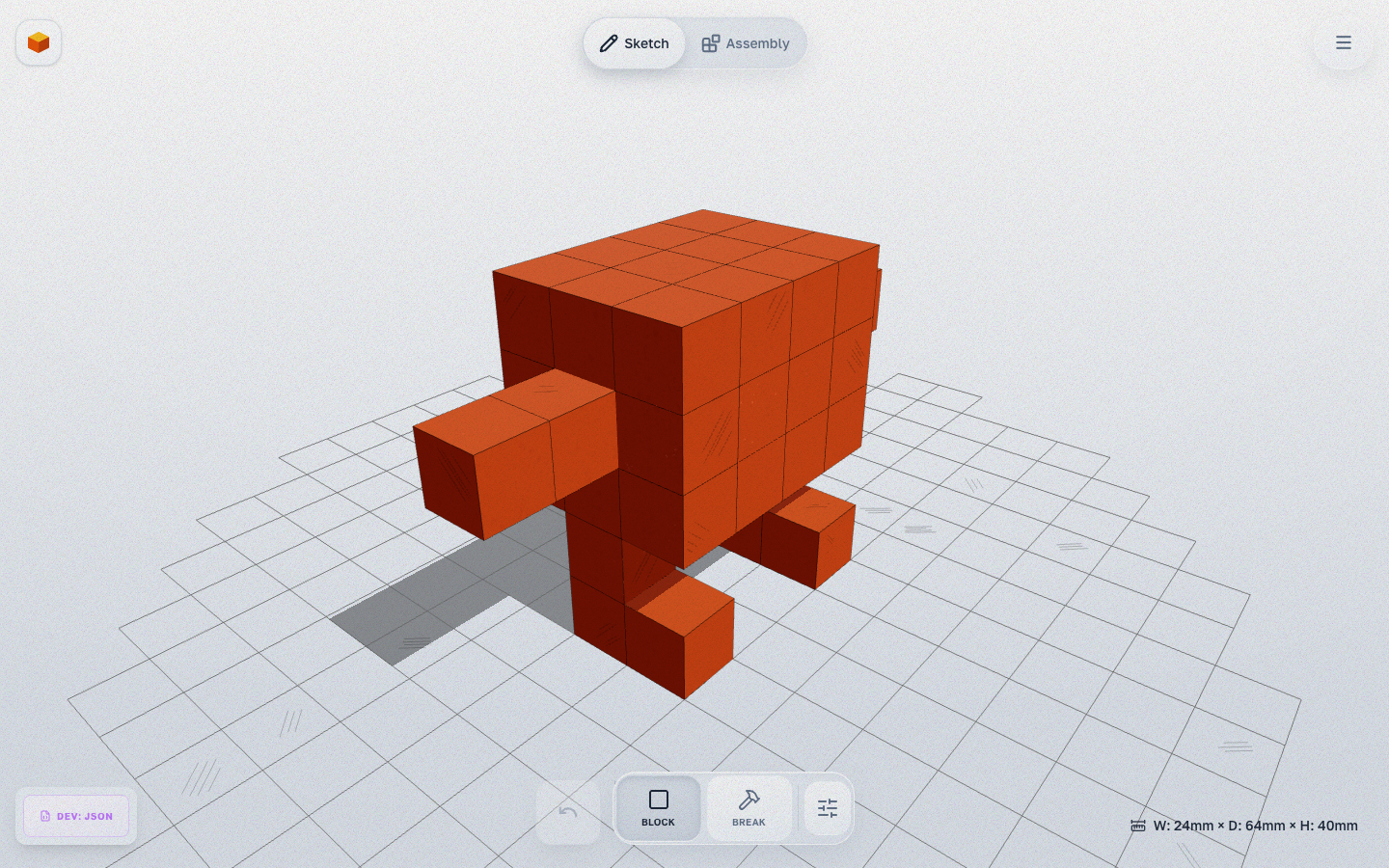
Tools
Block (Place)
- Shortcut:
1 - Action: Click on the grid or an existing voxel face to add a block.
- Color: Select a color from the left palette to paint while you build.
Break
- Shortcut:
2(or holdAlt) - Action: Click a voxel to remove it.
Best Practices for Printing
- Avoid Floating Blocks: Ensure all parts of your model are connected. Floating blocks will fail to print.
- 45° Rule: Voxels naturally form 90° overhangs. While most printers can handle short bridges, try to build "staircases" for large overhangs to improve print quality and reduce the need for supports.