Creating Moving Parts
Cubie's flagship feature is the ability to turn static voxel models into articulated snap-fit toys without CAD engineering.
Workflow
1. Design Solid
Build your model as a single, solid object in Sketch mode. Ensure the connection points (necks, elbows) are thick enough (at least 2×2 voxels) to support a joint.
2. Enter Assembly
Click Assembly in the header. Cubie automatically:
- Finds connected components (voxel islands) → splits into parts.
- Detects contact surfaces between parts → generates joints.
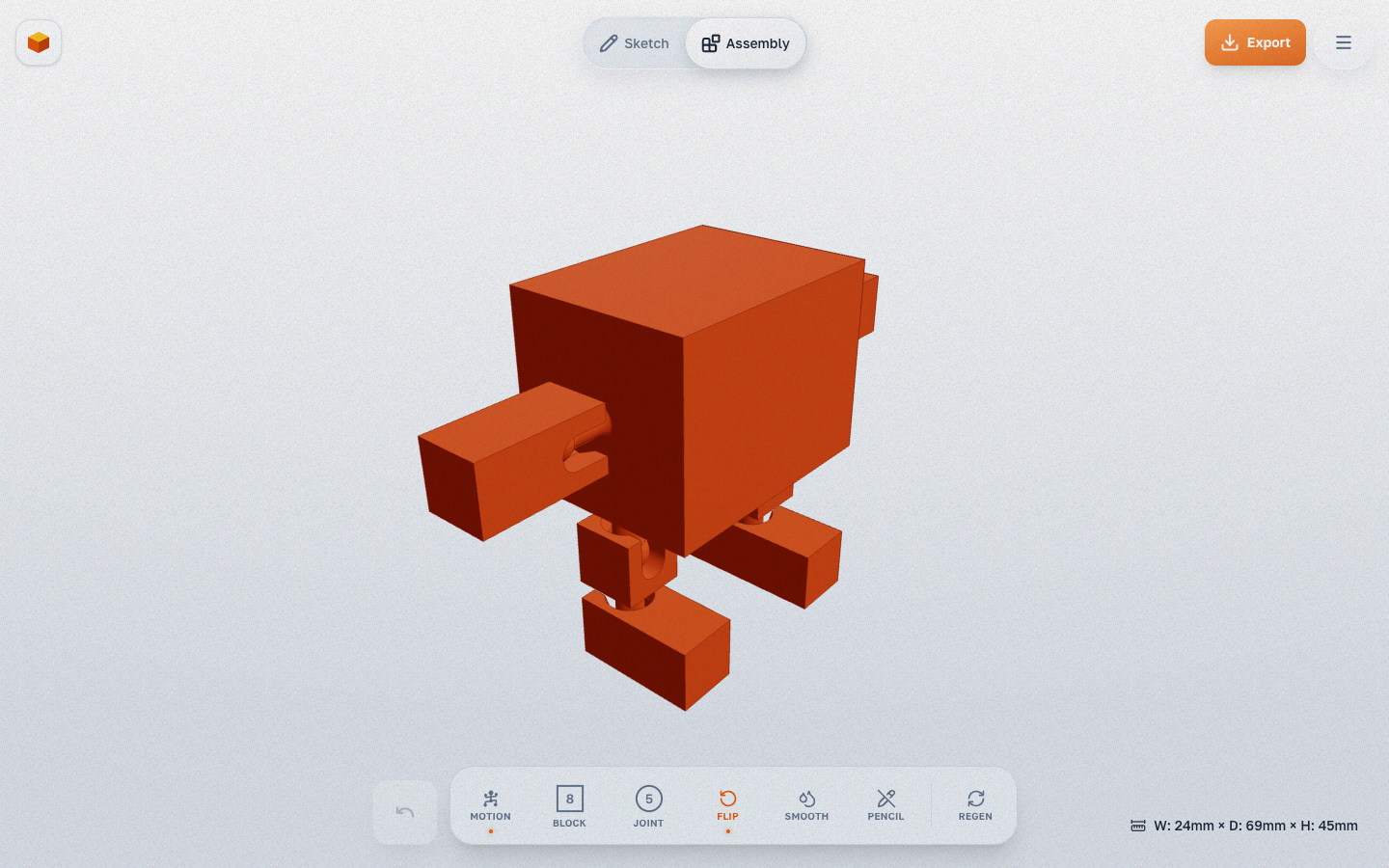
3. Refine
Use Assembly mode tools:
- Split Part — detach voxels from a part (context menu → select voxels → Detach).
- Merge Parts — merge parts back together (context menu).
- Relief — add surface detail.
- Reposition Joint / Socket — move the joint along the contact plane.
Technical Details
- Snap-fit: Joints are printed separately and snapped together after printing. The ball passes through a slit in the socket via elastic deformation.
- Interference fit: -0.5% clearance for FDM shrinkage compensation.
- Orientation: Joints automatically align to the contact surface normal.
- Snap-fit joints are built directly into the part geometry — no separate bones needed.