2D Layer Drawing
Sometimes it's easier to think in 2D than 3D. The Layer Lock feature allows you to slice your model and draw on a single flat plane.
Activating Layer Mode
- Open the menu in the top-right corner.
- Select Edit Layers (2D) .
- The camera will snap to an orthographic (flat) 2D view.
- The model is "sliced" – you only see the voxels on the current depth layer.
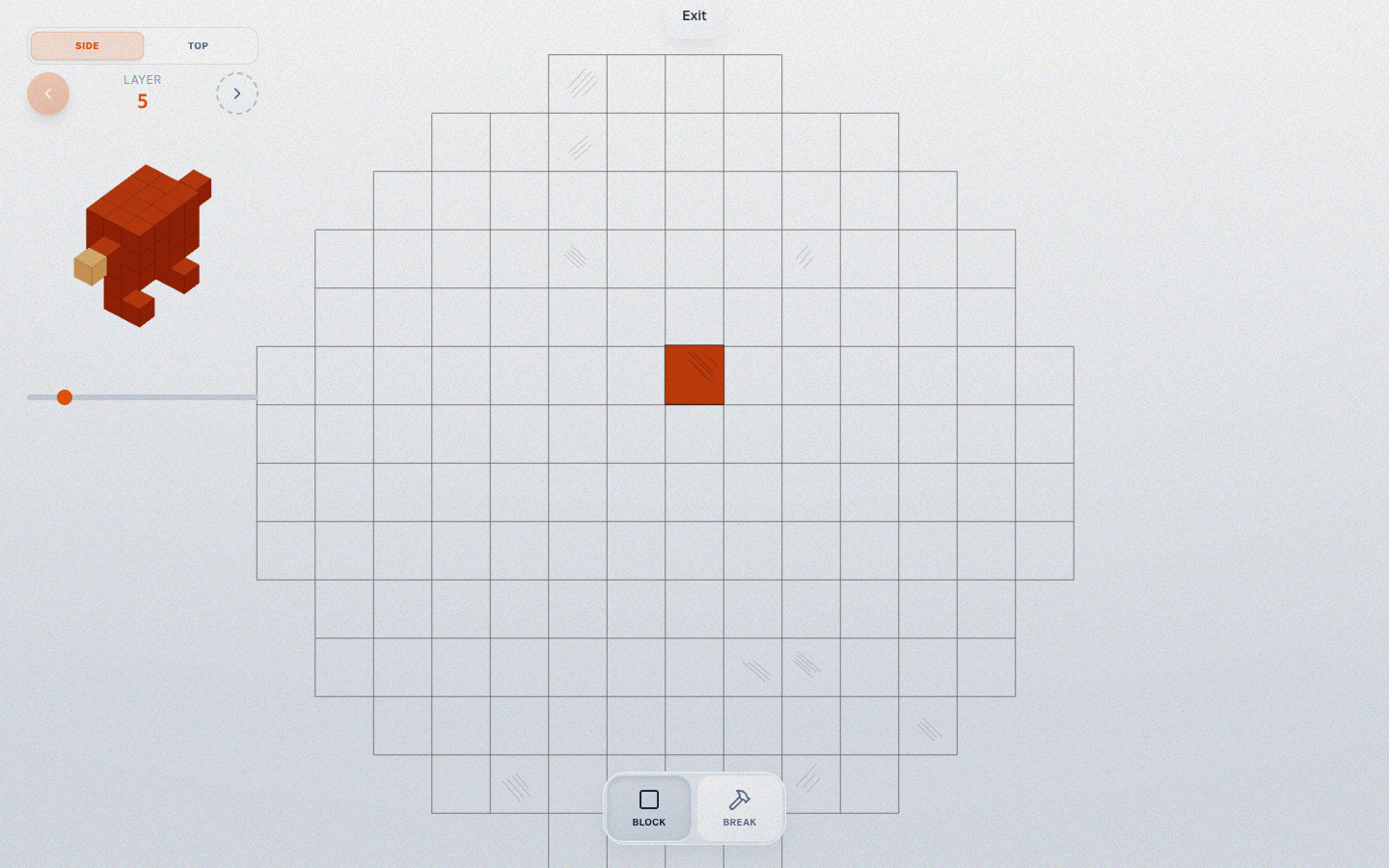
Navigation in Layer Mode
- Scroll Wheel: Move up/down through the layers (slices).
- Block/Break: Works exactly like normal, but constrained to the active layer.
Exiting Layer Mode
Click the Exit button at the top of the screen to unlock and return to 3D perspective view.