What's New in Cubie 2.0: Add-ons, New Joints & Kit Frame
A tour of the biggest Cubie update yet — wheels and a pull-back motor, robot arms and legs, new ways to connect parts, the Kit Frame, and 3MF export.
A lot has changed
When Cubie first launched a couple of months ago, it did one thing well: turn a voxel sketch into a snap-fit articulated toy. That core still works the same way — draw, hit Assembly, print. But a lot has been added around it. Here's what's new.
Add-ons
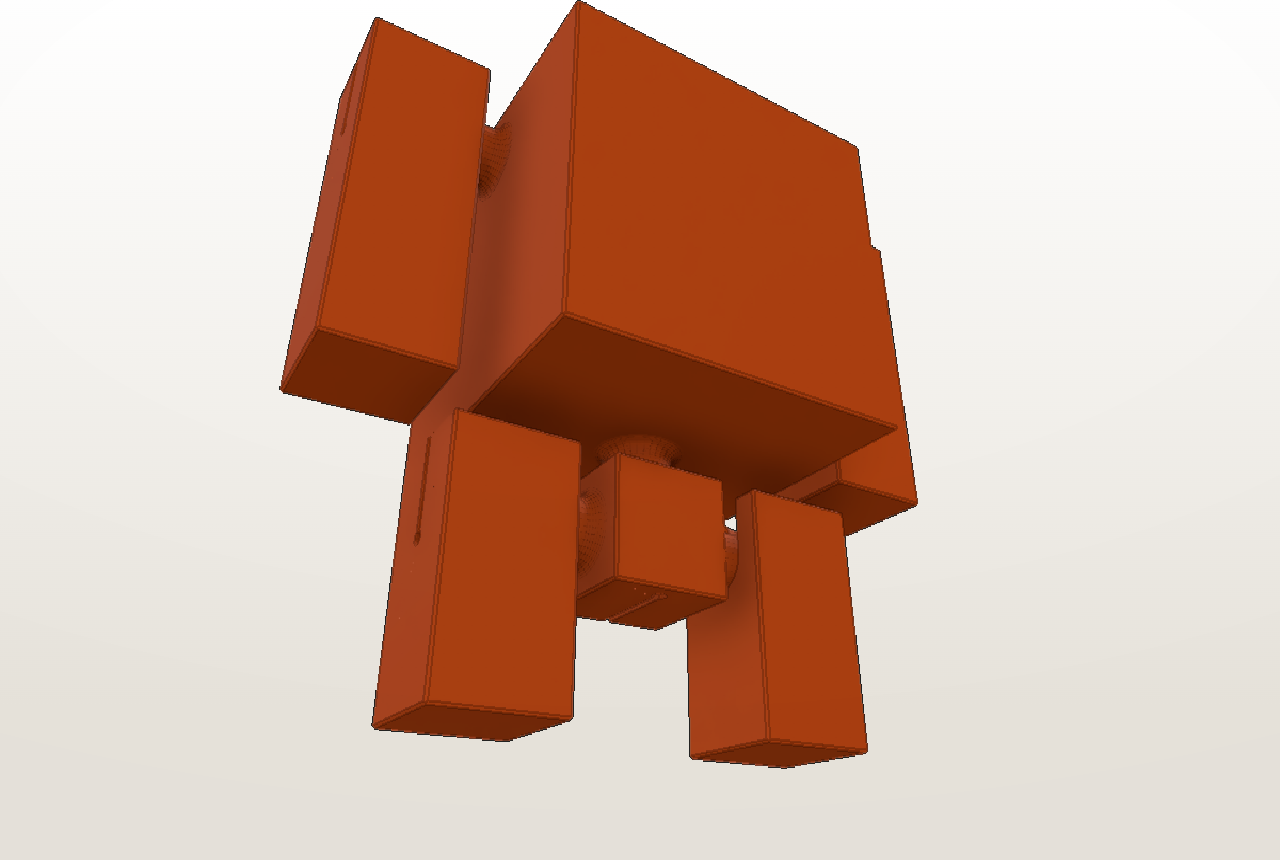
This is the headline. You can now attach ready-made parts to any face of your model, right inside Assembly mode:
- Wheels — place as many as you like, with a Street or Off-road tread. Turn on the pull-back motor and you get a wind-up car: pull it back, let go, and it rolls forward. The spring and cap print as separate snap-together parts.
- Robot arms and legs — poseable limbs you can mount as part of the body or as a separate snap-in piece. Legs come as a Sneaker or a Boot.
Add-ons travel with your model into export, so a car with four wheels comes out as a complete, printable set.
New ways to connect parts
The default ball-and-socket joint is still there, but it's no longer the only option. Select a part and pick how it connects:
- One-piece — a print-in-place joint. The ball is captured inside the socket as it prints, so the part comes off the bed already assembled — nothing to snap together — and still moves. Useful for small kids and for tiny joints.
- Spring — a springy ribbon that flexes and returns to center — for tails, antennae, or soft suspension.
- Tight — a rigid peg that holds a fixed pose instead of swinging freely.
Kit Frame
Printing a model with lots of small parts used to mean a plate full of loose pieces. With Kit Frame (when exporting to 3MF), all the parts are joined into a single liftable plate connected by thin tabs. You print one object, lift it off the bed in one go, and snap the parts off by hand when you're ready to assemble.
3MF export
Alongside STL, you can now export 3MF — a single multi-part file with colors baked in, ready for Bambu Studio and Orca. There's also an optional assembly instructions PDF to go with your print.
And a lot of small fixes
Beyond the headline features, joints seat more reliably, parts keep their place when you edit a model, and cuts behave the way you'd expect. Most of this you'll never notice directly — things just work a bit more often.
If you haven't opened Cubie in a while, it's a good time to take another look.
Read Next
Welcome to Cubie: The 3D Printer's Voxel Editor
Discover Cubie, the browser-based voxel editor designed for 3D printing. No CAD skills required—just build, assemble, and print.
advancedAdding Surface Detail: Reliefs, Textures & Rounding
Master the Relief System, Texture Cavities, and Edge Rounding to add detail to your voxel models.